Prayer times
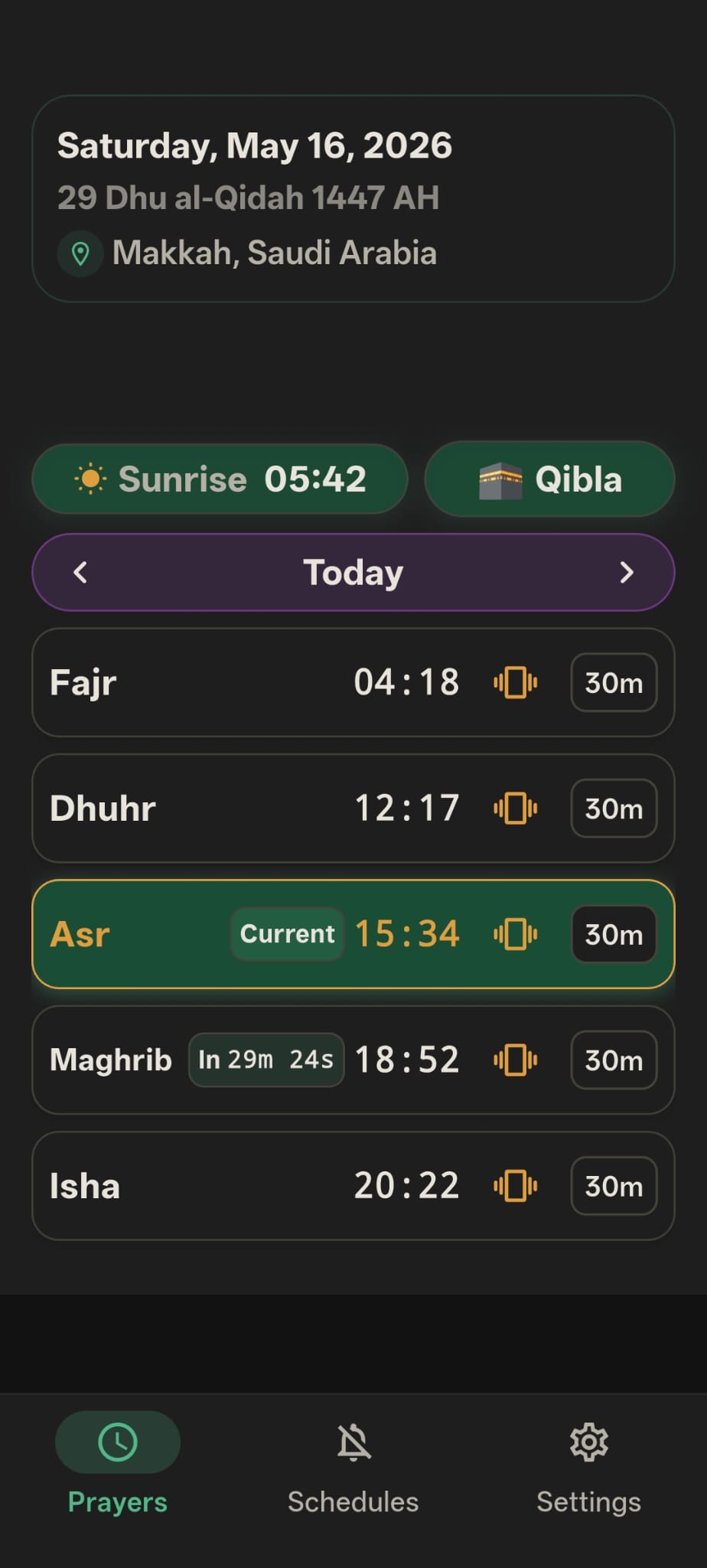
Daily prayer times, Hijri date, location context, sunrise, and Qibla access in one readable view.
Prayer times · Qibla · Quiet mode
A focused Android app for prayer times, Qibla direction, and quiet moments that fit naturally around prayer and daily life.
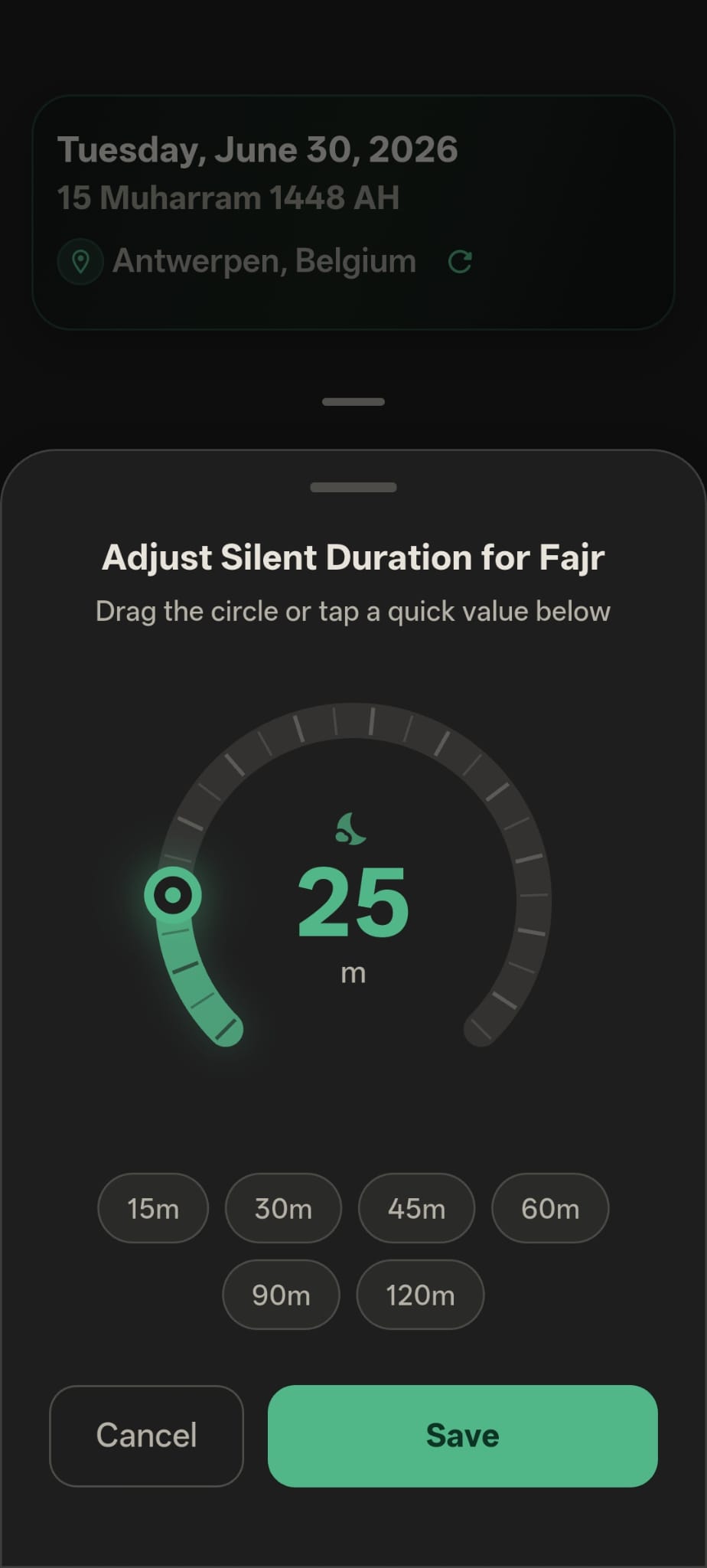
Prayer-aware quiet mode. Built for the moments when your phone should step back.
Clear daily prayer view. Prayer times, date, location, sunrise, and Qibla stay easy to read.
Private by default. Core settings stay on your device, with no account required.
Inqita keeps the important parts close, with a visual experience that stays calm, readable, and purposeful.
Daily prayer times, Hijri date, location context, sunrise, and Qibla access in one readable view.
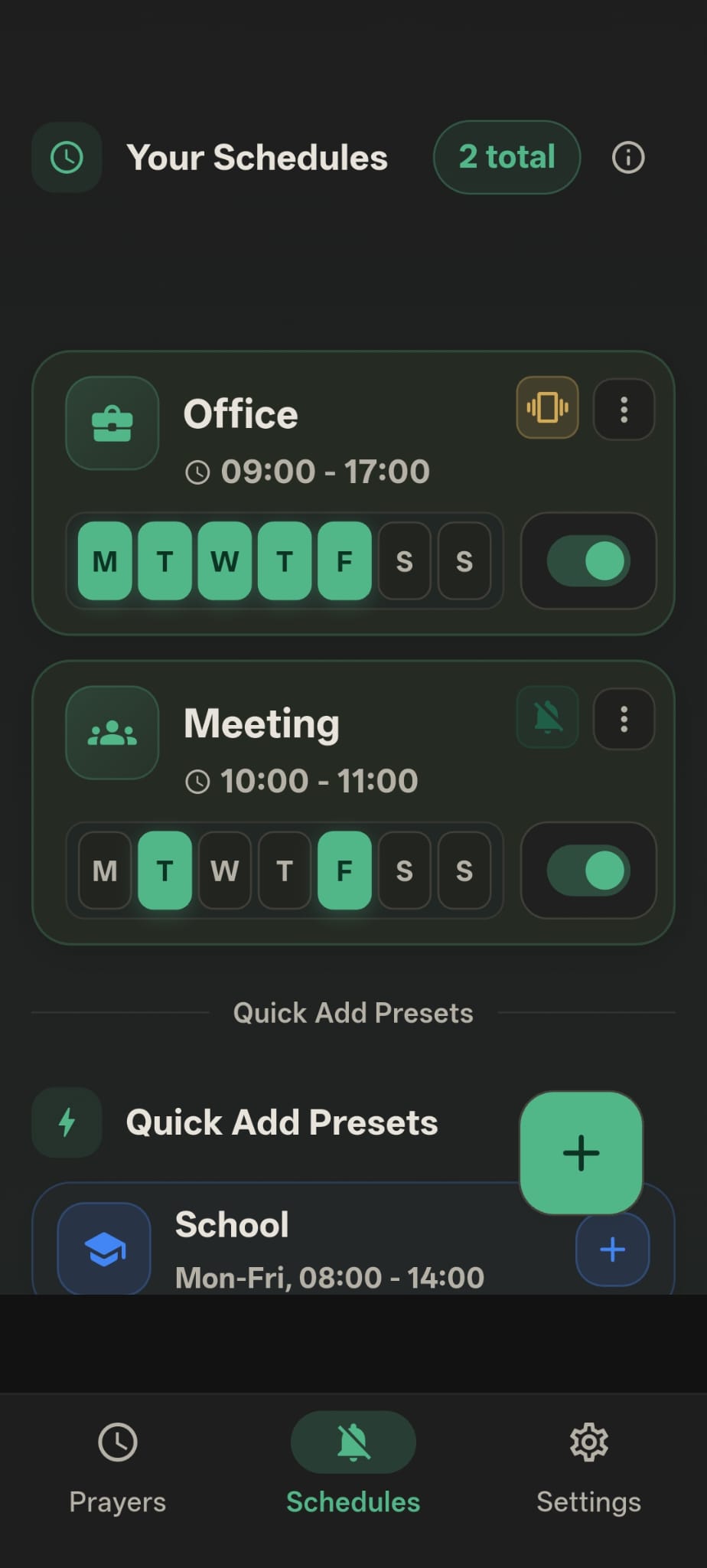
Automatic ring, vibrate, or silent behavior for prayer, school, meetings, sleep, and other routines.
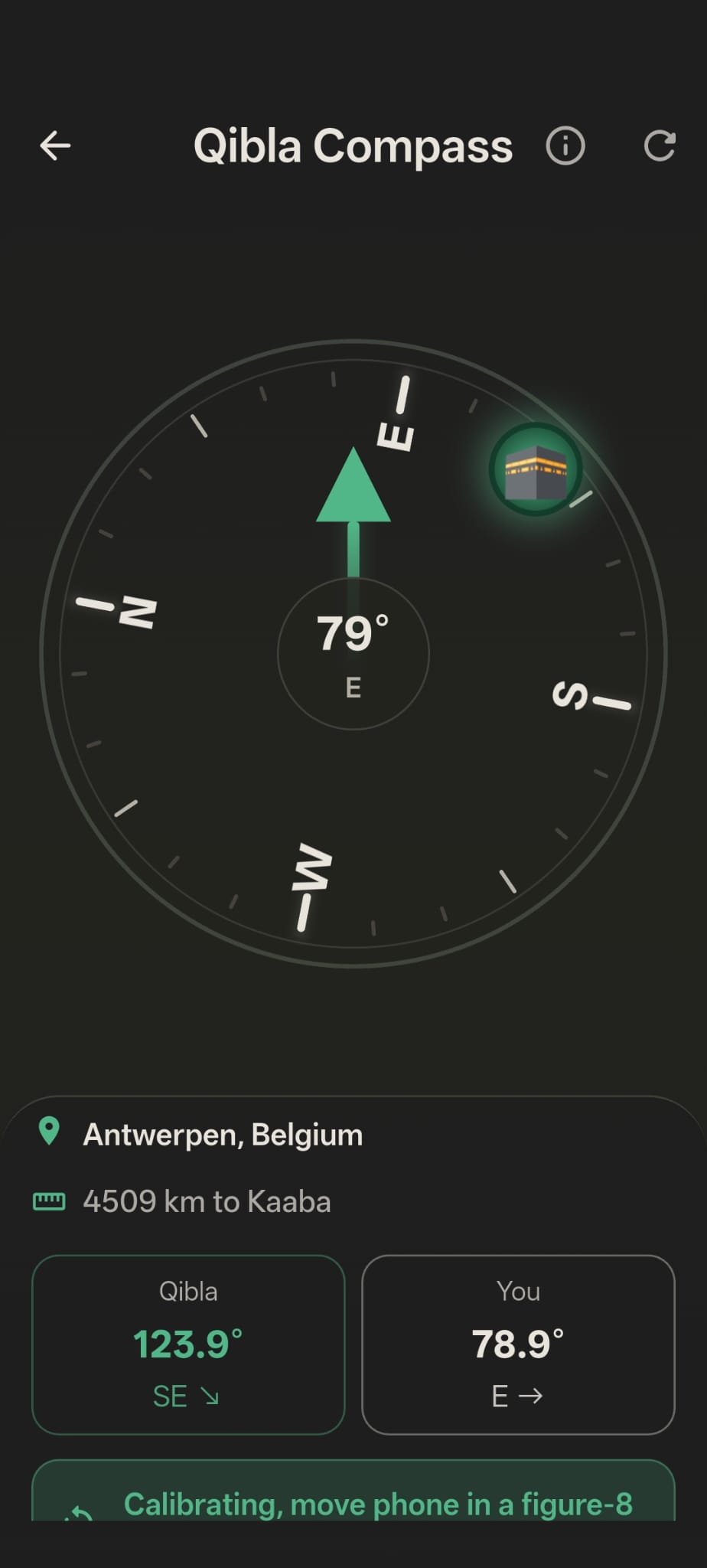
Find Qibla with direction and distance details that stay useful whether you are at home or travelling.
Inqita Tools
Use focused PDF, image, text, and calculator tools without creating an account. File tools process content in your browser whenever the tool page states that behavior.
The app uses real, focused screens: prayer at the center, schedules for the rest of the day, and Qibla when direction matters.
Inqita helps your phone stay respectful during prayer and focused moments, then return to normal afterward.
Prayer times, Qibla, and quiet mode belong in one focused place.
Schedules support work, school, meetings, rest, and personal routines.
Your previous sound mode comes back after quiet time ends.
Inqita works without an account. Prayer preferences, schedules, and settings remain on your device. Production crash and error reports may be sent to our privacy-limited Sentry monitor so reliability failures can be fixed.

Practical answers about connectivity, Android permissions, and sound-mode reliability.
The app caches prayer calendar data for offline use. Location or trusted-source refreshes can require a connection.
Android can require Do Not Disturb policy access to apply true silent mode and restore the previous phone state afterward.
Some manufacturers restrict alarms or background work. Inqita helps identify missing permissions and device restrictions when automation needs attention.
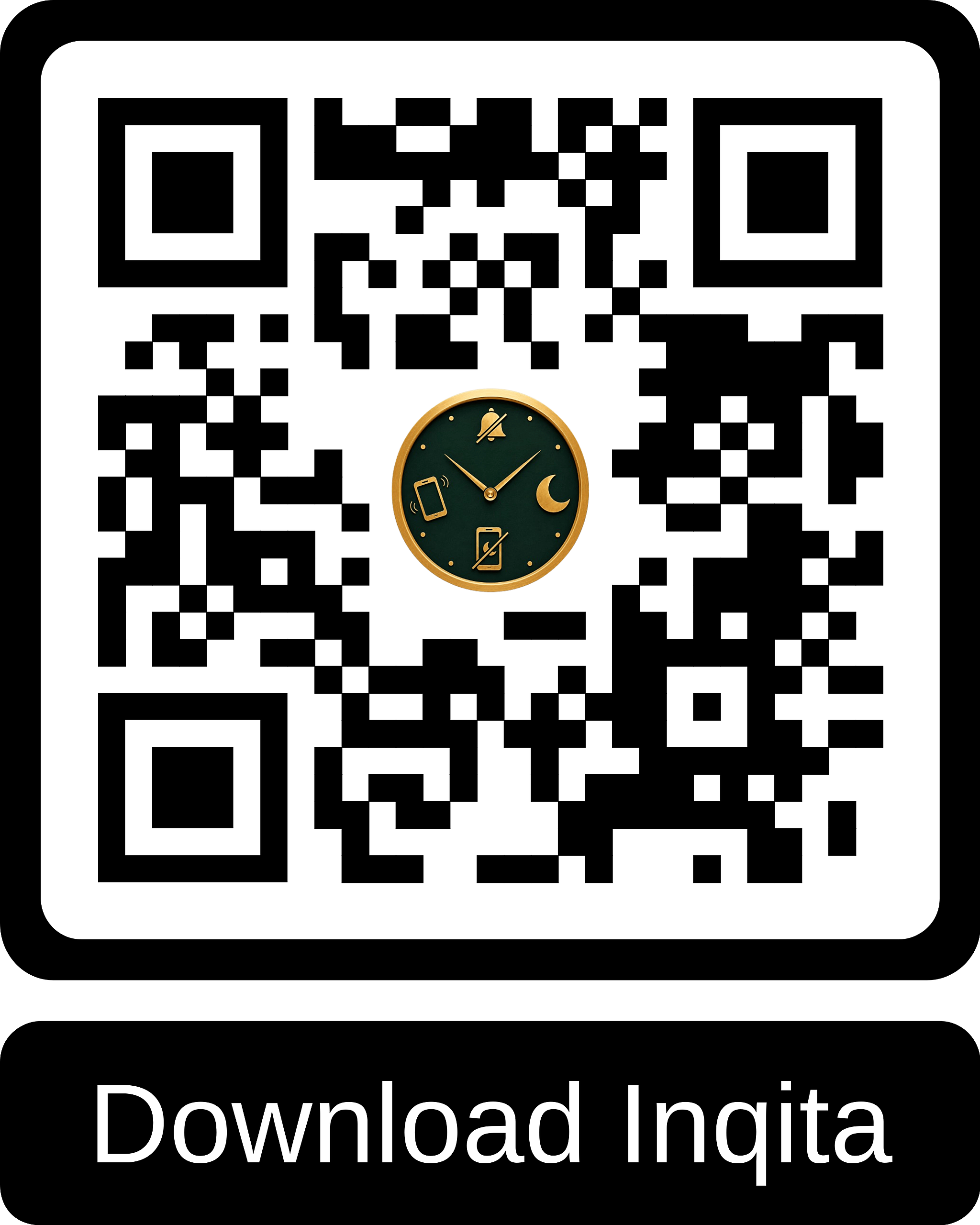
Download Inqita from Google Play and keep prayer times, Qibla, and quiet mode close every day.
GET IT ON Google PlayAndroid · No account required

Find setup guidance, troubleshooting answers, and the appropriate contact for your inquiry.